The studio that fits in your pocket.
Eleven AI-powered tools across capture, generation, voice, mixing, and visuals — built to keep the entire songwriting → finished song → posted loop on your phone.
AI Song Generation
Turn an idea into a finished song in under a minute.
Three entry points feed the same engine: write lyrics in Notes, hum a melody in Record, or upload a song to cover. Larka returns a fully produced track — vocals, melody, instrumentation, your choice of genre and mood — in 30 to 90 seconds.
Tap Extend on the result to push past 3 minutes. Tap Regenerate for a different take with the same settings. Every saved song stays in your library with its lyrics and cover art attached.
Sing in Your Own Voice
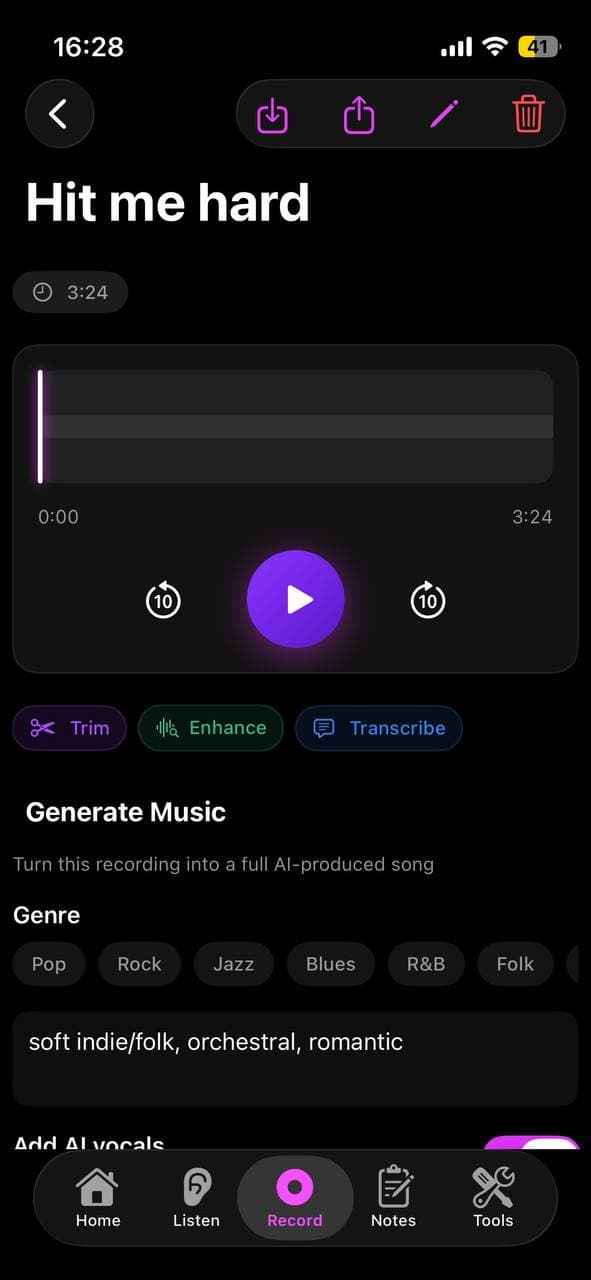
Clone your real voice once, then the AI sings every song in you.
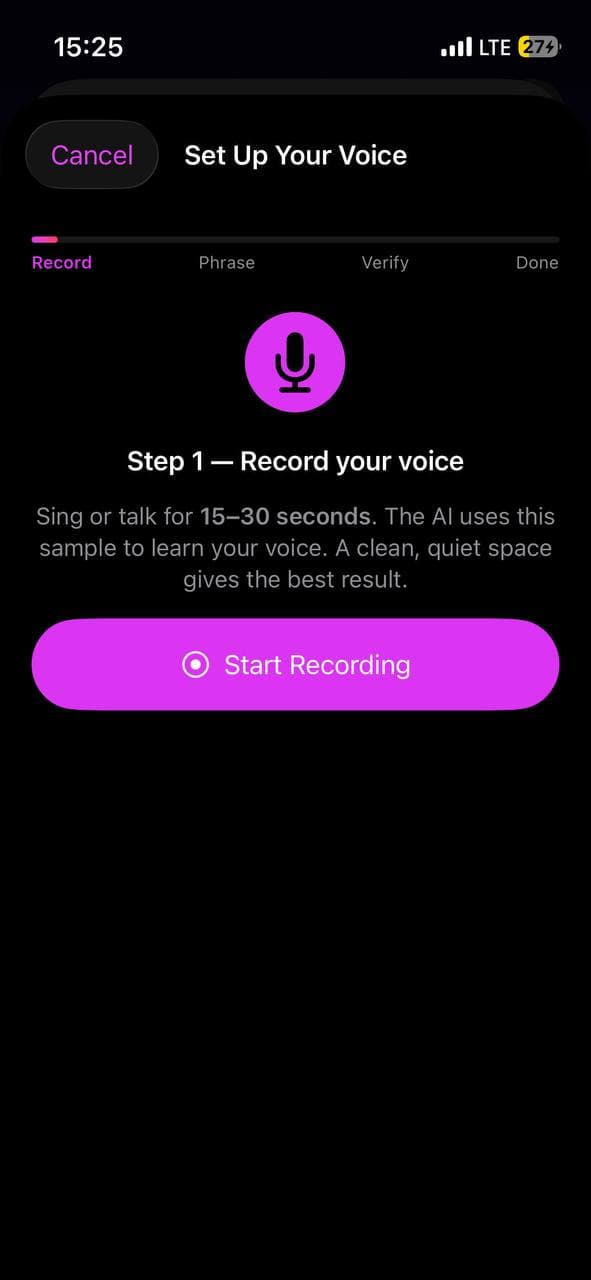
Open Larka, tap Set Up Your Voice on the home screen, and record yourself for 15–30 seconds. Larka asks the AI for a one-time verification phrase, you read it aloud to prove the voice is yours, and your voice is saved as a reusable persona.
From then on, every generation — Notes, Hum to Song, Cover, Extend — can sing in your actual voice. Manage multiple voices in Settings → Your Voices with green/red availability dots and one-tap re-verification when needed.
Voice cloning captures vibe and timbre more than perfect identity. The cleaner and longer your source recording, the closer the clone gets. Tip: sample yourself singing, not talking, and stay close to the style you'll generate in.
Stem Separation
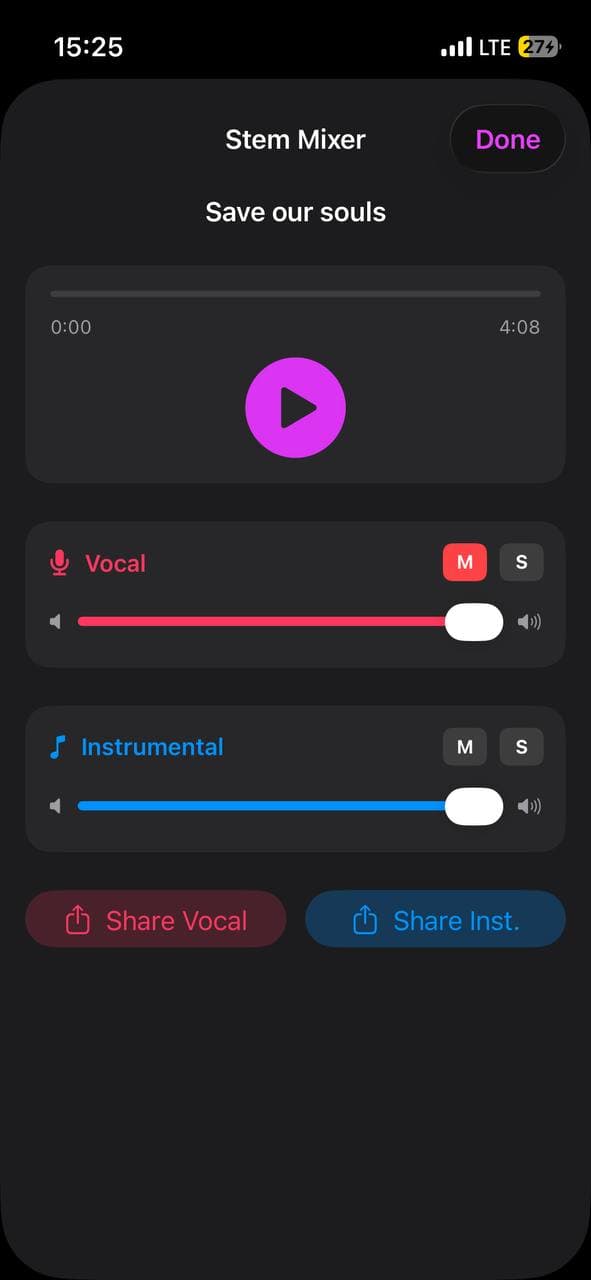
Split any song into vocal and instrumental tracks. Mix, mute, share.
Open a saved AI-generated song, tap the ⋯ menu, then Separate Stems. About a minute later you have two synced tracks: vocal and instrumental. A focused two-channel mixer lets you adjust volumes independently, mute or solo either side, scrub the whole thing in lock-step.
Share each stem as its own MP3 — perfect for karaoke versions, vocal practice, or pulling stems into a DAW. Currently in Beta: enable in Settings → Beta Features → Stem Separation.
Hum to Song
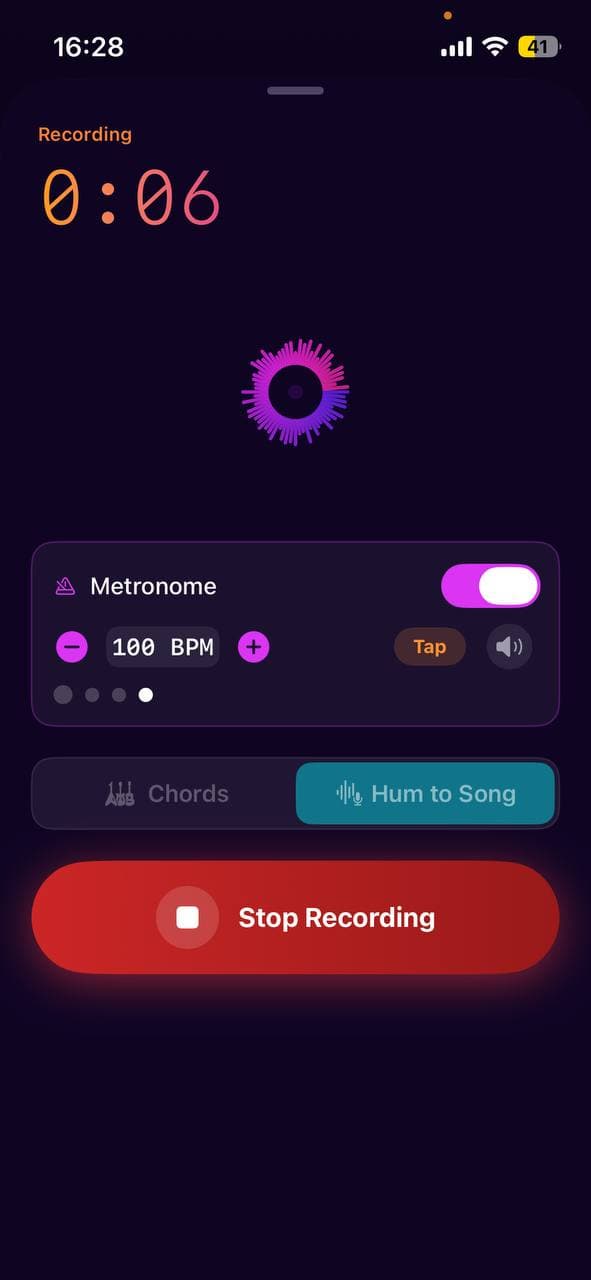
A melody in your head becomes a produced song around it.
Open Record, tap Hum to Song, hum or sing a melody for up to 30 seconds. Pick a genre, optionally write lyrics (or have the AI draft them from a description), and Larka builds a full song around your tune — keeping your melody recognizable through the production.
Optional AI vocals: leave lyrics blank and the AI treats your hum as the vocal track, fleshing it out with arrangement. Write lyrics and the AI sings them word-for-word over your melody.
Music Videos
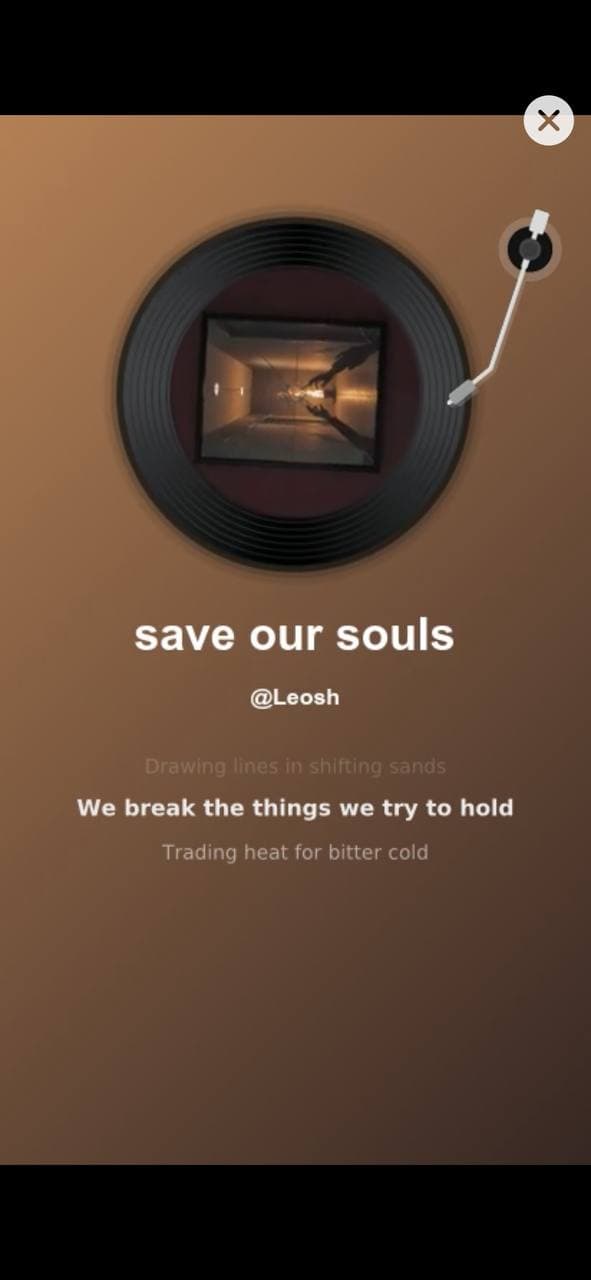
Render any AI song as an MP4 with synchronized lyrics. One tap.
Every saved AI song has a Generate Music Video button in its player. Tap once, wait 60–120 seconds, and you have an MP4 with the song audio, synchronized lyrics overlay, and a built-in visualizer scene — ready to share to TikTok, Instagram, Messages, or Files.
No DAW, no video editor, no transferring files between devices. The phone in your pocket does it all.
Cover a Song
Reimagine existing songs in a new genre — or turn your home demos into fully produced tracks.
Two use cases, one feature. Cover an existing song: upload any track you have (an MP3 from your library, a Voice Memo, even a YouTube rip you saved), and Larka rebuilds it in a new genre — pop becomes lo-fi, indie becomes country, anything to anything. Larka auto-transcribes the original lyrics so the cover sings the right words.
Polish your home demos: that voice memo of you on the couch with a guitar? Drop it in, pick a genre, and Larka turns the sketch into a fully produced song — drums, bass, vocals on top, the works. Your melody and lyrics intact, the production professional.
Same feature. Cover existing music OR finish your own ideas. The original song / sketch stays on your phone; the cover is a brand new track in your library.
Voice Personas
Save the AI singer from any track and reuse them everywhere.
Beyond cloning your own voice: generate a song you love, tap Save voice as persona on the result, name it, and Larka stores the AI vocalist for reuse across future songs. Pick the same singer every time for a consistent artist sound on your project.
Personas appear in the same voice picker as your cloned voices — AI voice characters get a wave icon, your own voice gets a mic icon. Mix and match per song.
AI Lyric Writer
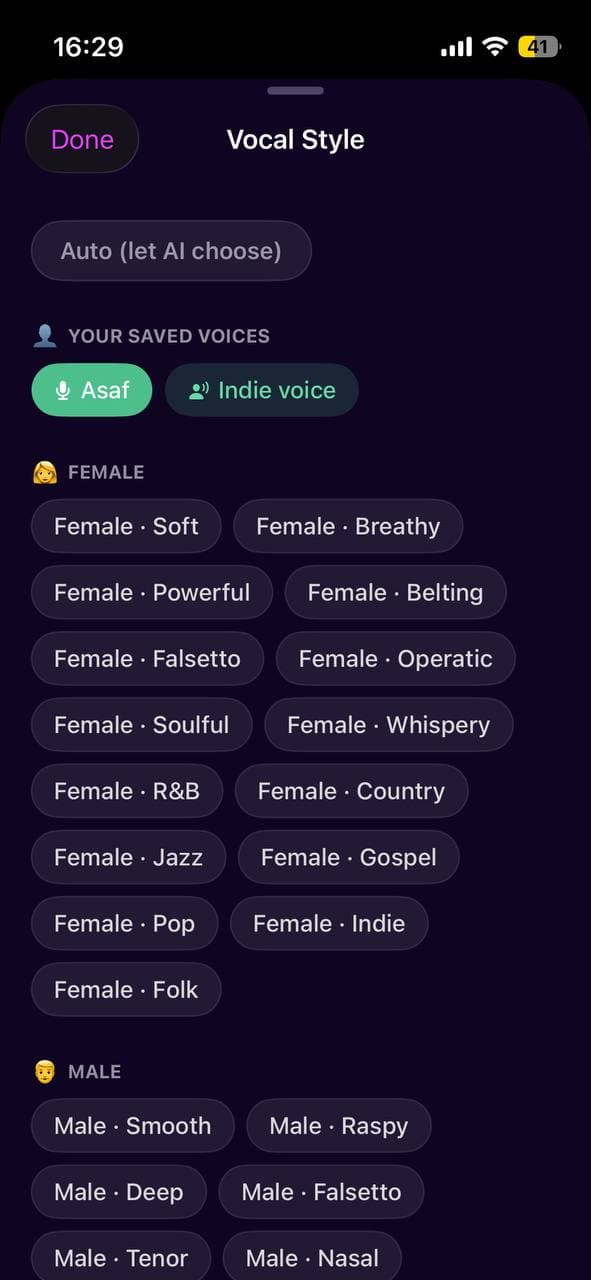
Generate lyrics from scratch, or refine a single line.
Stuck on a verse? Larka writes new lyrics matching your key, genre, mood, and language. Refine lets you highlight a single line and rewrite just that fragment, with an optional direction prompt to steer the rewrite.
Edit the result, regenerate, or use it as inspiration. The AI writes the draft; you decide what to keep.
Real-Time Chord Detection
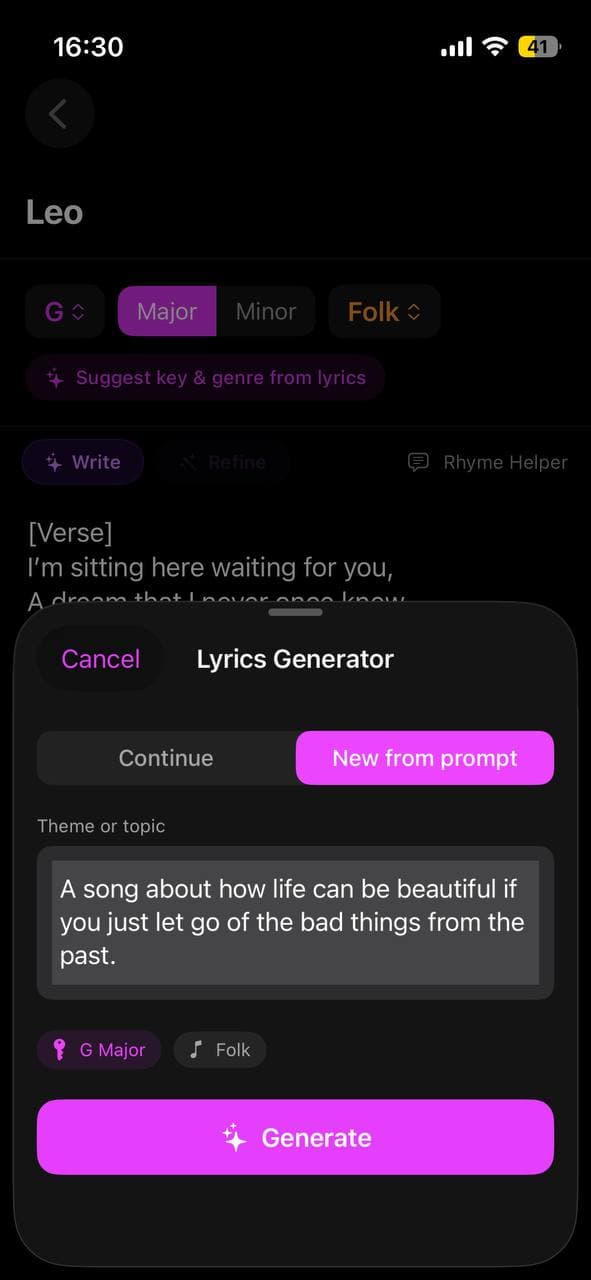
Play a chord into your mic and see it instantly.
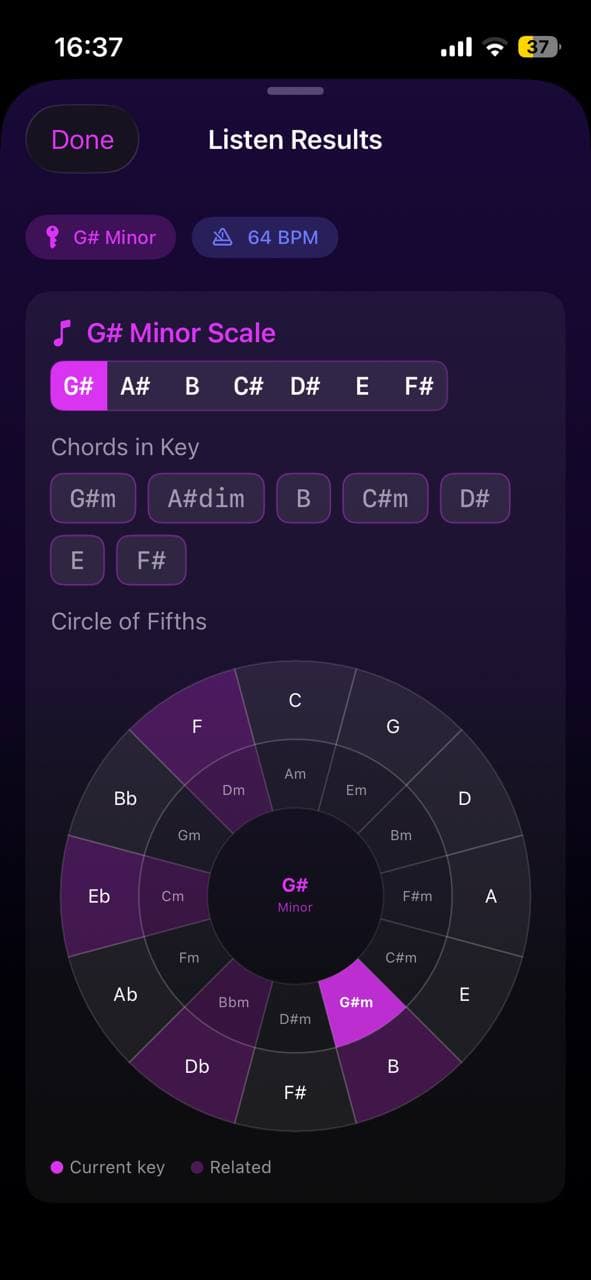
Open Listen Mode and play any chord — guitar, piano, ukulele, whatever you have. Larka identifies it in real time, with a chromagram showing pitch energy and the detected chord rendered big and clear on screen.
When you finish, the Listen Results panel shows the full picture: detected key, BPM, chord progression, scale info, and an interactive Circle of Fifths highlighting your key and its diatonic + relative chords.
AI Cover Art
Album artwork in 8 visual styles, 3 variants per request.
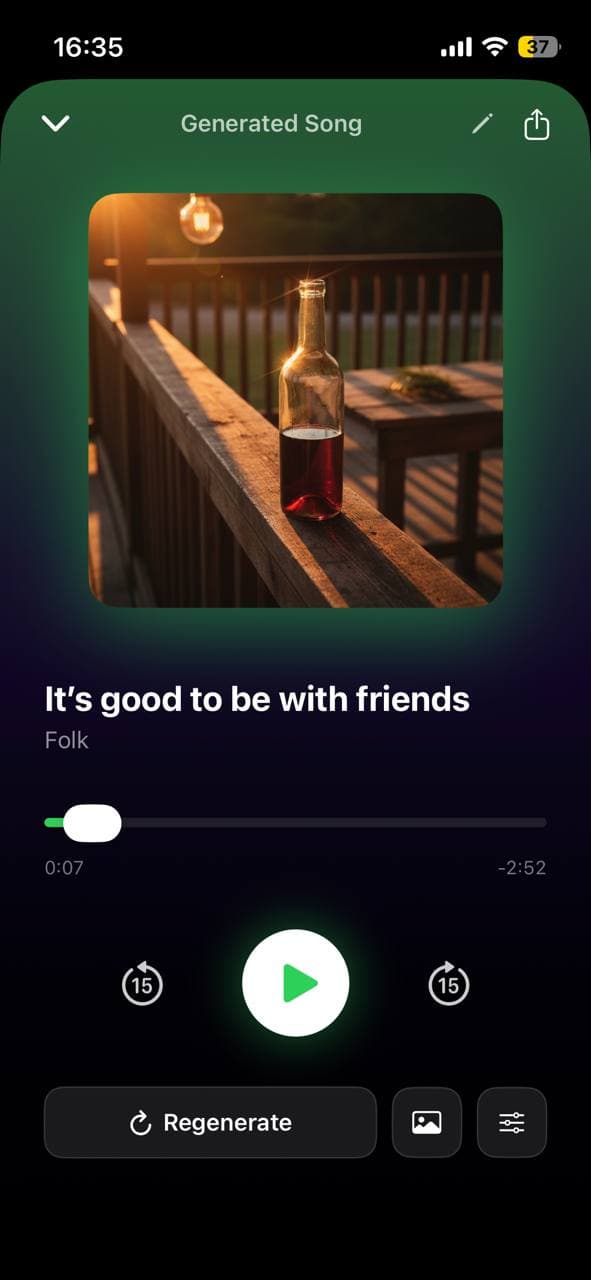
Generate cover art for any song or note in seconds. 8 built-in styles — Cinematic, Neon, Oil Painting, Vintage Vinyl, Polaroid, Abstract, Comic, Hand-Drawn — or add your own visual direction for full control. Each request returns 3 variants so you can pick a favorite.
Covers automatically embed into the song's MP3 metadata, so when you share the track or generate a music video, the artwork rides along.
Songwriter Notes
Your musical sketchbook — lyrics, key, genre, mood, all in one place.
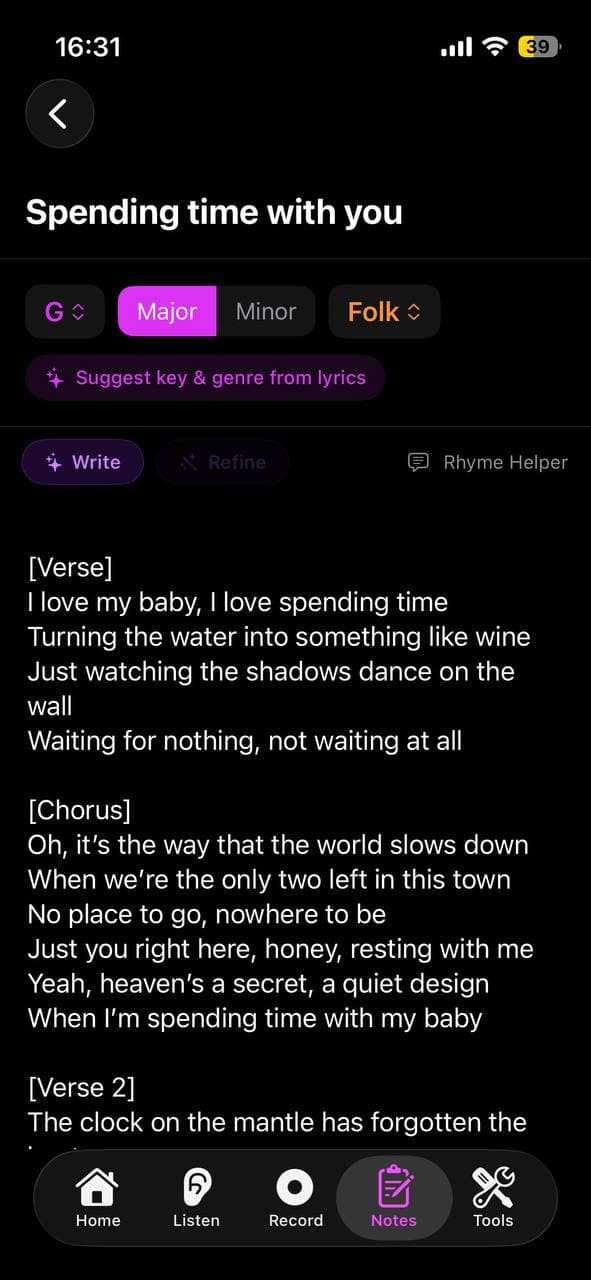
Every idea you capture lives as a note with full musical context: title, lyrics, detected key and scale, genre, mood, BPM. Larka analyzes your text and suggests the right key + scale if you haven't set them.
Generate a full song from any note in one tap. Edit a note and regenerate. Keep an evolving songwriting workspace that always knows what each fragment is musically about.
Larka launches on iPhone and iPad soon.
Join the waitlist for an early-access link the moment it's live.
Join the waitlist →